
Note: If you are updating the details of an Organisation / Enterprise Plan containing seats, please see: How to Update My Organisation’s Subscription / Payment Details?If you are in a Open Use plan. As communicated in an official email, this plan has been discontinued. However, we are pleased to offer you a complimentary 14-day Trial plan, granting you unrestricted access to eTool.To continue beyod the trial, upgrade to one of our paid subscription for uninterrupted access, exclusive features, and support. Click here to upgrade.
UPDATE PERSONAL PAYMENT DETAILS
Important update: we are in the process of phasing out the Consultant and Enterprise plans. As part of this transition, the personal (Consultant) plan is no longer available for new users.
What happens to existing users?
Existing users will continue to have access to their current plans and services. However, with the latest software update, these plans will not be able to renew their payment methods and will be automatically redirected to the current pricing and plan options.
What should I do if I encounter any issues?
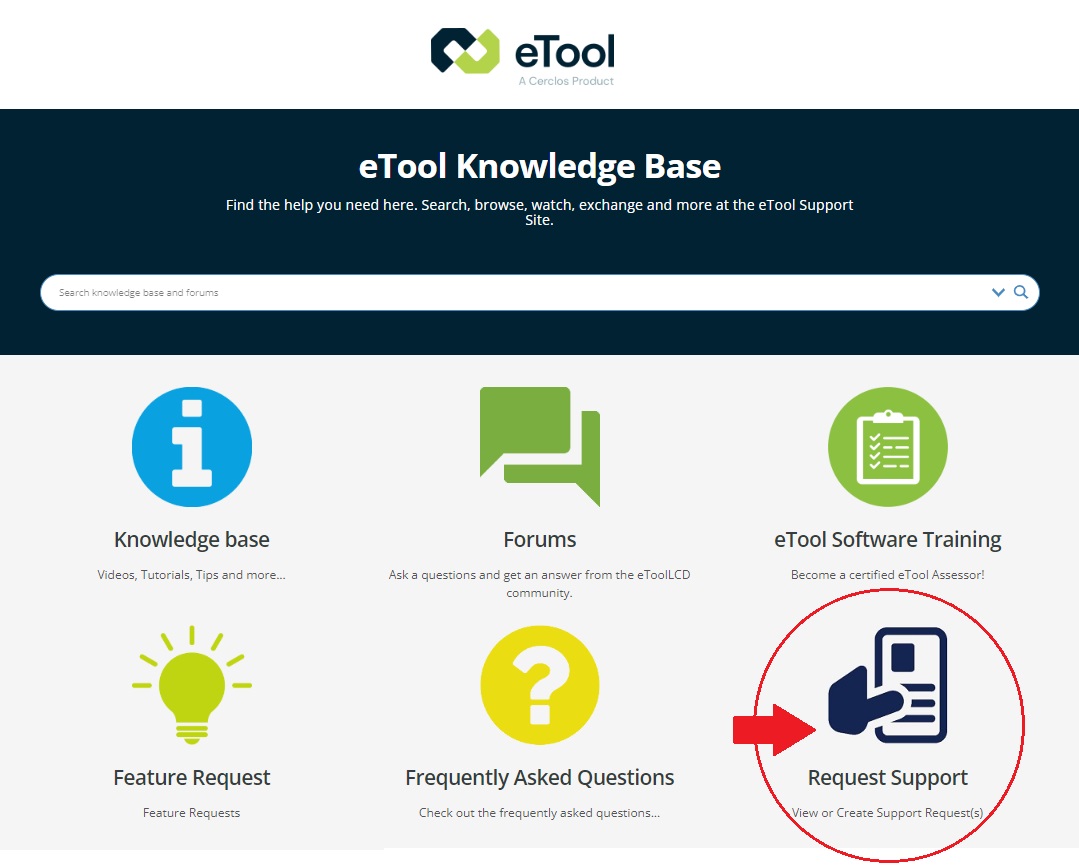
If you experience any difficulties due to this update, please reach out to us through our support platform and submit your support request for assistance.
UPGRADE PERSONAL PLAN
- Log in to eTool and in your home dash, click on your profile name at the top right corner of the page and click on ‘My Profile’.

- Click on ‘My Plan’.
- Click on ‘Change Plan’ to upgrade your subscription plan.

- In the Subscriptions page, select the plan you wish to upgrade to.
More information on the different subscriptions can be found here.
- For more information on the Enterprise functionality, please continue on to this support post.
CANCEL MY PERSONAL PLAN
BEFORE you cancel your subscription, please ensure that you are aware of what you need to do before you downgrade your plan by reading the post below:
Cancelling My Subscription – What Do I Need To Know?
After you’ve completed the process outlined in the post above, please follow the steps as per below:
- Log in to eTool and in your home dash, click on your profile name at the top right corner of the page and click on ‘My Profile’.
- Click on ‘My Plan’.
- To completely cancel your subscription, click on ‘Cancel Plan’.

